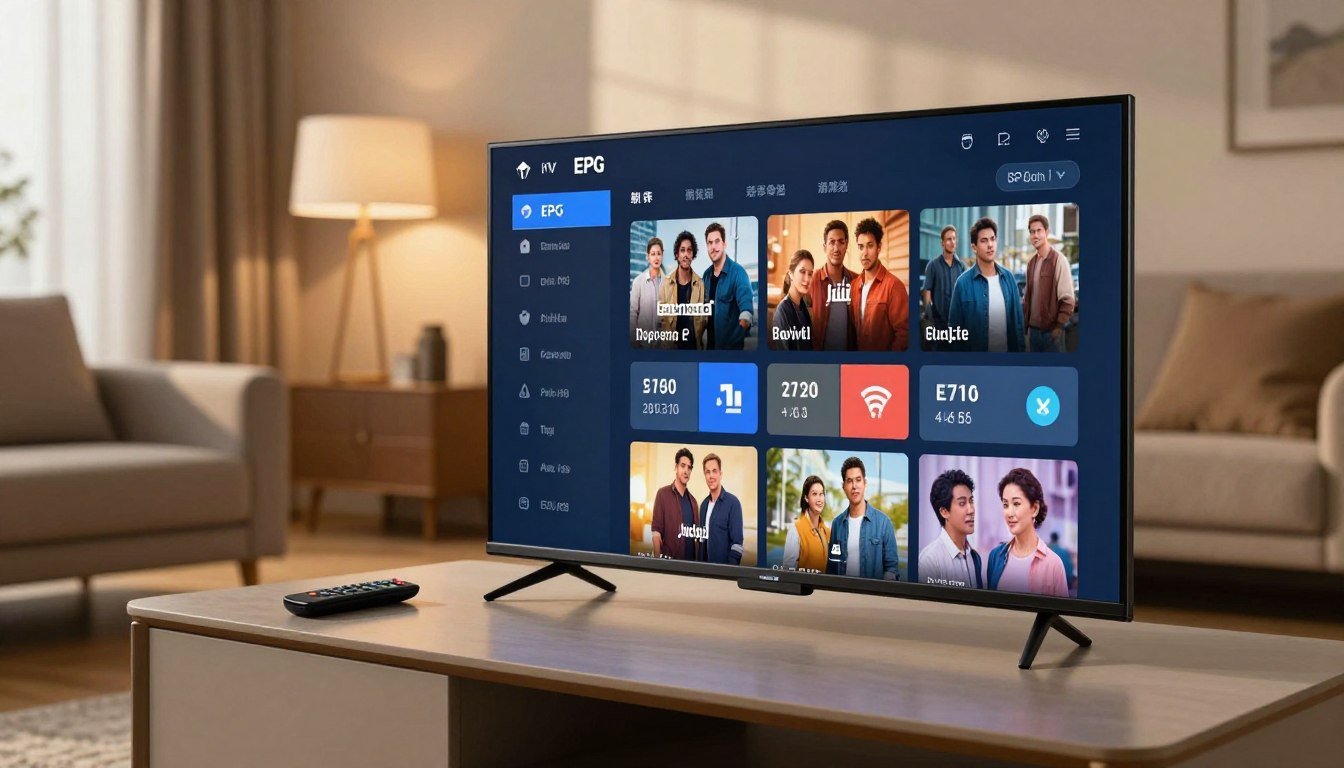


Have you ever felt completely overwhelmed by the sheer volume of television content available at your fingertips? In an era where thousands of channels are accessible instantly, finding your favourite show can often feel like searching for a needle in a haystack.
This is where the Electronic Program Guide becomes an essential tool for every modern viewer. Acting as a sophisticated digital interface, it allows you to navigate vast libraries of media with remarkable ease and precision.
By mastering an IPTV EPG guide, you can effectively organise your daily viewing habits and discover new programmes tailored to your interests. Understanding how to utilise this Electronic Program Guide will transform your entertainment experience, ensuring you never miss a moment of your preferred broadcasts.
Whether you are a casual viewer or a dedicated enthusiast, learning to navigate this IPTV EPG guide provides the clarity needed to manage your digital television consumption confidently across the United Kingdom.
Key Takeaways
- The system acts as a digital interface to help you organise thousands of channels.
- It simplifies content discovery, allowing you to visualise schedules with ease.
- Users can customise their viewing habits to prioritise favourite programmes.
- Mastering this tool ensures you never miss live broadcasts or scheduled events.
- It provides a streamlined experience for navigating modern digital television services.
Understanding the Electronic Program Guide
The way we discover content has shifted dramatically from paper schedules to sophisticated digital interfaces. Modern viewers now expect instant access to information, moving far beyond the limitations of traditional broadcasting.
Defining the Digital TV Guide
A digital TV guide acts as the central nervous system for your home entertainment experience. It provides a structured overview of broadcast schedules, allowing users to browse upcoming content with ease.
These TV program listings are no longer static documents. Instead, they function as interactive databases that update in real-time to reflect the latest changes in programming.
“The future of television is not just about the content itself, but how effortlessly we can navigate the infinite choices available at our fingertips.”
The Evolution from Cable TV Timetables to IPTV
In the past, households relied on a printed cable TV timetable found in newspapers or magazines. This method was inherently limited, as it could not account for last-minute schedule adjustments or live event delays.
The transition to IPTV has revolutionised this process by replacing the rigid cable TV timetable with dynamic data streams. Today, a high-quality digital TV guide offers far more than just a list of times.
It integrates metadata to provide synopses, genre filtering, and even catch-up options. By maintaining accurate TV program listings, modern IPTV services ensure that viewers never miss a moment of their favourite programmes.
How an IPTV EPG Guide Functions
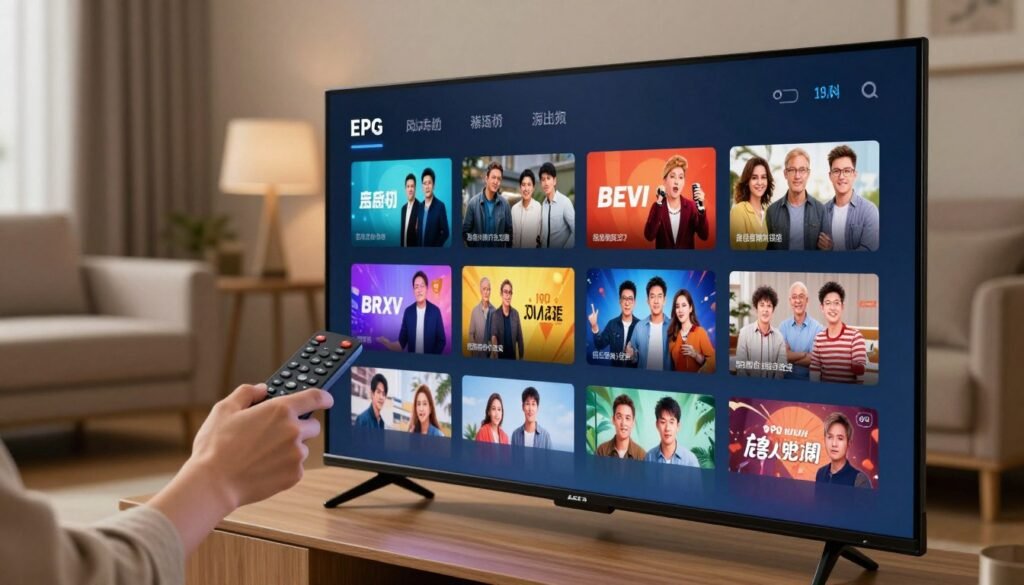
To master your streaming setup, you must first grasp the mechanics of how information travels to your screen. An Electronic Program Guide acts as the essential bridge between raw server data and the visual interface you navigate daily. By translating complex code into a readable schedule, it ensures you never miss your favourite broadcasts.
Data Transmission and XMLTV Files
At the heart of this process, XMLTV files serve as the industry-standard format for transmitting channel metadata. These files contain structured information, including programme titles, start times, and detailed descriptions. Without this standardised format, your IPTV player would struggle to interpret the incoming stream of data correctly.
The transmission occurs when your device requests an update from a specific URL. The server then pushes the latest XMLTV data, which your player parses to populate the grid. This automated delivery system is what keeps your viewing schedule current without requiring manual input.
Synchronising Channels with Metadata
Once the data arrives, the system must perform the critical task of synchronising channels with the correct metadata. This process involves mapping specific channel IDs from the XMLTV file to the stream URLs in your playlist. If the IDs do not align perfectly, the Electronic Program Guide may display incorrect information or leave gaps in your schedule.
Maintaining this synchronisation is vital for a seamless user experience. When metadata is properly aligned, your device can accurately trigger features like catch-up TV or recording timers. Consistent updates are the best way to prevent common display errors and ensure your guide remains a reliable tool for your daily viewing.
Benefits of Using an EPG for UK Viewers
For UK viewers, navigating the modern television landscape can often feel like a full-time job. With hundreds of channels and various platforms available, keeping track of your favourite programmes requires a more efficient approach. An Electronic Programme Guide (EPG) acts as the ultimate digital assistant for your living room.
Streamlining Your TV Show Planner
A well-organised TV show planner is essential for anyone who wants to make the most of their subscription. By centralising your viewing data, you can quickly scan what is airing throughout the evening without jumping between different apps. This saves valuable time and ensures you never miss the start of a live broadcast or a new series premiere.
Using this tool allows you to prioritise your evening entertainment with ease. You can mark specific shows to watch later, ensuring that your personal schedule remains perfectly aligned with the broadcast times. Consistency is key to a stress-free viewing experience, and a digital planner provides exactly that.
Improving Navigation Across Streaming Service Schedules
Managing a complex streaming service schedule across multiple platforms often leads to frustration for many users. An EPG simplifies this by aggregating information from various sources into one unified interface. Instead of manually checking individual apps, you can view all your content in a single, cohesive list.
This level of integration is particularly beneficial for households that juggle several IPTV subscriptions simultaneously. By having a clear overview of every available channel, you can navigate between live sports, news, and entertainment with unmatched speed. Ultimately, this creates a seamless and highly organised entertainment experience that caters to your specific preferences.
Essential Components of an EPG Interface
Navigating your favourite programmes becomes effortless when the interface is designed with clarity and visual appeal. A well-structured digital TV guide acts as the central hub for your entertainment, bridging the gap between raw data and a seamless user experience.
Channel Logos and Branding
Visual recognition plays a vital role in how we scan through long lists of channels. High-quality channel logos allow viewers to identify their preferred networks instantly without reading text.
This branding consistency helps maintain a professional look across the entire interface. When logos are crisp and correctly scaled, the overall navigation speed increases significantly for the average user.
Programme Descriptions and Synopses
Beyond simple titles, detailed metadata provides the context needed to make informed viewing choices. A comprehensive digital TV guide offers synopses that explain the plot, cast, and genre of a show.
These descriptions are essential for discovering new content. They ensure that you never waste time starting a programme that does not align with your current mood or interests.
Time-Shift and Catch-up Indicators
Modern television is no longer restricted to live broadcasts. Indicators for catch-up services and time-shift capabilities are now standard features in any top-tier interface.
These markers notify you when a programme is available for delayed viewing. They provide the flexibility required for a busy lifestyle, ensuring you remain in control of your schedule.
“Good design is actually a lot harder to notice than poor design, in part because good designs fit our needs so perfectly that the design disappears.”
The following table highlights how these specific components contribute to a better viewing experience:
| Component | Primary Function | User Benefit |
|---|---|---|
| Channel Logos | Visual Identification | Faster navigation |
| Programme Synopses | Content Information | Informed selection |
| Catch-up Indicators | Time-Shift Status | Flexible viewing |
By integrating these elements, a digital TV guide transforms from a simple list into a powerful tool. Efficiency and clarity remain the ultimate goals for any interface developer aiming to satisfy the modern UK viewer.
Setting Up Your IPTV EPG
Mastering the setup of your viewing interface is the key to unlocking a seamless entertainment experience. By correctly configuring your IPTV EPG guide, you ensure that your programme listings remain accurate and up-to-date. This process transforms a simple list of channels into a professional-grade television dashboard.
Sourcing Reliable EPG URLs
The foundation of any functional schedule is a stable data source. You must obtain a valid XMLTV URL from your service provider to populate your IPTV EPG guide effectively. Always ensure the link is active and frequently updated to avoid missing programme information.
Configuring EPG Sources in Popular IPTV Players
Most modern media players allow for custom data integration. Once you have your URL, you can input it directly into the settings menu of your chosen application. This step is vital for synchronising your channel list with the corresponding broadcast metadata.
Setting Up TiviMate
TiviMate is widely regarded for its user-friendly interface and robust customisation options. To configure your IPTV EPG guide here, navigate to the ‘Settings’ menu and select ‘EPG’. Choose ‘EPG Sources’, then ‘Add Source’, and paste your URL to begin the synchronisation process.
Setting Up IPTV Smarters Pro
IPTV Smarters Pro offers a straightforward approach to managing your broadcast data. Within the application, locate the ‘Install EPG’ or ‘EPG Settings’ section in the main menu. Simply enter your URL, save the configuration, and the player will automatically fetch the latest schedule details for your channels.
Troubleshooting Common EPG Issues
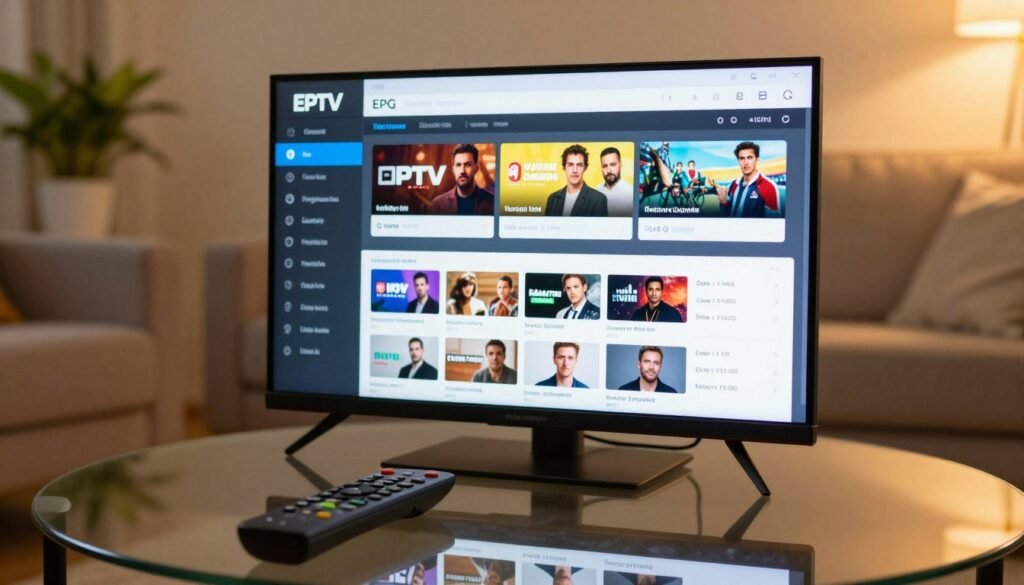
If you find that your TV program listings are not displaying correctly, you are certainly not alone. Even the most robust IPTV services can occasionally encounter technical glitches that disrupt your viewing experience. Fortunately, most of these hurdles are easy to resolve with a few simple adjustments.
Resolving Missing Channel Data
When you notice blank spaces where your schedule should be, the issue often stems from an invalid or broken EPG source URL. You should first verify that the URL is correctly entered into your IPTV player settings without any hidden spaces. Double-checking the source link is the most effective way to restore missing information.
If the URL is correct, the server hosting the data might be experiencing temporary downtime. In such cases, switching to a secondary provider or waiting for the service to stabilise is recommended. Ensuring your internet connection is stable also helps the player fetch the latest TV program listings without interruption.
Fixing Incorrect Time Zone Synchronisation
Incorrect time zone synchronisation is a frequent cause of mismatched programme listings in IPTV players. If your shows appear to be starting an hour early or late, your device is likely misaligned with the broadcast server. Most modern players allow you to manually adjust the time offset within the settings menu.
You can usually fix this by applying a simple time shift of plus or minus one hour. Correcting this offset ensures that your guide reflects the actual broadcast time in your specific region. Once the time zone is properly configured, your schedule will align perfectly with live events.
Updating Outdated Programme Listings
Sometimes, the guide may display old information because the application has not performed a background refresh. You can manually trigger an update to ensure that your TV program listings are refreshed promptly. Most IPTV players feature a “Refresh EPG” or “Update Guide” button located within the main menu.
It is good practice to perform this manual update whenever you notice the schedule has become stale. By keeping your data current, you avoid the frustration of missing your favourite programmes. Regular maintenance of your guide settings is the key to a smooth and reliable viewing experience.
Advanced EPG Search and Filtering Techniques
You can transform your daily viewing habits by leveraging the sophisticated EPG search capabilities built into your IPTV player. Modern interfaces provide powerful tools that help you find exactly what you want to watch without wasting time. By mastering these features, you take full control of your digital television environment.
Utilising EPG Search for Specific Genres
Most high-quality IPTV players allow you to filter content by specific categories such as sports, news, or cinema. This EPG search functionality is essential when you have hundreds of channels at your disposal. Instead of browsing manually, you can simply select a genre to see a curated list of relevant programmes.
This method is particularly useful for finding niche content that might otherwise get lost in a massive channel list. Filtering by genre ensures that you spend less time scrolling and more time enjoying your favourite shows. It is a simple yet effective way to improve your overall user experience.
Creating Custom Favourites Lists
Beyond searching, creating custom favourites lists is the best way to streamline access to the channels you watch most often. By pinning your preferred networks to the top of your guide, you eliminate the need for repetitive EPG search actions. This personalisation creates a bespoke interface tailored to your unique viewing preferences.
Many users find that grouping channels by theme—such as “Kids,” “News,” or “Movies”—further enhances their efficiency. Customisation is the key to a clutter-free television experience. Once you have established your favourites, navigating your daily schedule becomes a seamless and intuitive process. New to IPTV? Read our guide on what IPTV is and how it works in the UK. Curious about the tech? Learn how IPTV works.
| Feature | Benefit | Efficiency Level |
|---|---|---|
| Genre Filtering | Finds specific content types | High |
| Favourites List | Quick access to top channels | Very High |
| Keyword Search | Locates specific show titles | High |
The Role of EPG in IPTV Scheduling
The Electronic Program Guide is far more than a simple list of channels; it is the engine behind your personal entertainment schedule. By acting as a central hub, it allows you to take full control of your viewing habits with precision. Modern IPTV scheduling transforms how you interact with live content, ensuring you remain organised in a fast-paced digital environment.
Automating Recordings via the Guide
One of the most powerful features available to users is the ability to automate recordings directly from the interface. When you identify a programme you wish to save, you can simply select it within the guide to trigger a recording command. This seamless integration turns your device into a reliable TV show planner that works in the background.
By automating these tasks, you no longer need to worry about missing the start of a live event. The system handles the timing, ensuring that your chosen content is captured accurately for later viewing. This level of automation is essential for those who maintain a busy lifestyle but still want to enjoy high-quality television.
Setting Reminders for Live Broadcasts
If you prefer to watch events as they happen, the guide offers a convenient reminder function. By utilising EPG search, you can quickly locate specific genres or titles and set an alert for the broadcast time. This ensures you receive a timely notification before your programme begins, so you never miss a moment of the action.
These reminders are particularly useful for live sports or breaking news where timing is critical. You can customise your alerts to suit your preferences, making your TV show planner an indispensable tool for daily life. Staying ahead of your schedule has never been more straightforward with these intuitive digital features.
Comparing Different EPG Providers
Selecting the right source for your TV program listings is a critical step in optimising your overall viewing experience. While many users focus solely on the IPTV player, the data source behind the scenes dictates how well your schedule functions. Understanding the differences between available providers ensures you receive accurate information without constant interruptions.
Free Versus Paid EPG Services
The market for electronic guides is split between community-driven projects and professional subscription services. Community-led initiatives, such as iptv-org, provide a fantastic free alternative for casual users who want basic functionality. These projects rely on volunteers to maintain the data, which is often sufficient for standard channel lineups.
Conversely, premium services like EPG.best offer a more robust solution for those who require high accuracy. These paid providers invest in dedicated infrastructure to ensure that your TV program listings remain consistent and error-free. If you rely heavily on automated recording features, the investment in a premium service often pays for itself through improved reliability.
Reliability and Update Frequency
Reliability is the cornerstone of a good guide experience. A high-quality provider ensures that your TV program listings are updated in real-time, reflecting any last-minute changes to broadcast schedules. Without frequent updates, you might find yourself missing the start of a programme or recording the wrong show entirely.
Paid services typically boast a higher update frequency, ensuring that metadata, such as episode synopses and cast information, is always current. While free services are excellent for general use, they may occasionally suffer from delays during peak viewing times. Choosing the right balance depends on whether you prioritise cost savings or uninterrupted service quality.
| Feature | Free Services | Paid Services |
|---|---|---|
| Data Accuracy | Moderate | High |
| Update Frequency | Periodic | Real-time |
| Support | Community Forums | Dedicated Helpdesk |
| Cost | Free | Subscription-based |
Legal and Ethical Considerations for UK Users
Before you start streaming your favourite programmes, it is vital to consider the legal framework governing IPTV in the United Kingdom. Navigating the digital landscape requires a clear understanding of your responsibilities as a viewer. Responsible usage is essential for the long-term sustainability of the entire digital ecosystem.

Ensuring Your IPTV Service is Licensed
Users should always verify that their chosen IPTV service provider holds the necessary licences for digital broadcasting in the UK. Many platforms may appear legitimate, but they often lack the legal authorisation to distribute copyrighted content. Always check for official credentials or partnerships with recognised media organisations before signing up for a subscription.
A reputable provider will clearly display their licensing information on their website. If a service offers premium content at prices that seem too good to be true, it is often a sign that the service is not properly licensed. Engaging with authorised platforms ensures that you are supporting the creators and the industry.
Respecting Copyright in Digital Broadcasting
Respecting copyright is a fundamental aspect of digital consumption. When you access content through an unlicensed source, you may be inadvertently participating in the distribution of pirated material. This practice undermines the hard work of production companies and artists who rely on fair compensation.
Ethical viewing habits help maintain a high standard of quality in the broadcasting industry. By choosing to use only legally compliant services, you contribute to a safer and more reliable viewing experience for everyone. Consider the following table to help identify the differences between legitimate and questionable services.
| Feature | Licensed Service | Unlicensed Service |
|---|---|---|
| Content Rights | Fully authorised | Often pirated |
| Service Stability | High and reliable | Frequent outages |
| Data Security | Encrypted and safe | High risk of malware |
| Customer Support | Professional assistance | Non-existent |
Future Trends in IPTV Guide Technology
The future of television navigation is evolving beyond simple grids into a highly responsive and intelligent ecosystem. As technology advances, the way we interact with our broadcast data is becoming more fluid and user-centric.
Integration with Artificial Intelligence
Artificial intelligence is poised to revolutionise the backend of digital television services. By leveraging machine learning, these systems will soon handle complex IPTV scheduling tasks automatically, ensuring that your favourite programmes are always ready for viewing.
Predictive analytics will allow the guide to anticipate your needs before you even open the menu. This shift means that manual searching will eventually become a thing of the past, as the system learns to manage your library with minimal input.
Personalised Content Recommendations
Modern viewers often struggle with the sheer volume of available content across various streaming platforms. Future guides will solve this by offering highly tailored suggestions based on your unique viewing history and preferences.
By refining IPTV scheduling through deep learning, the interface will highlight shows that align with your specific tastes. This personalised approach ensures that you spend less time scrolling through endless lists and more time enjoying high-quality entertainment that truly matters to you.
Ultimately, these advancements will transform the guide from a static timetable into a proactive assistant. Staying ahead of these trends allows users to fully embrace the next generation of digital television features.
Conclusion
Taking full control of your IPTV EPG guide creates a superior and organised viewing experience for every household in the United Kingdom. You now possess the knowledge to configure, troubleshoot, and optimise your digital interface with confidence.
Transforming how you interact with your television content starts with these practical steps. We encourage you to explore the various providers and tools available to find the setup that best suits your personal requirements.
Modern digital entertainment relies on your ability to manage schedules and discover new programmes efficiently. Staying at the forefront of this technology ensures you never miss a moment of your favourite broadcasts. Start refining your setup today to enjoy a seamless and personalised television journey.
Leave a Reply